Plugin framework for Dungeons & Dragons Online
Bringing new functionality and Quality of Life improvements to your Dungeons & Dragons Online experience.
Free · Windows 10 or 11 · DDO
Comes with the installer

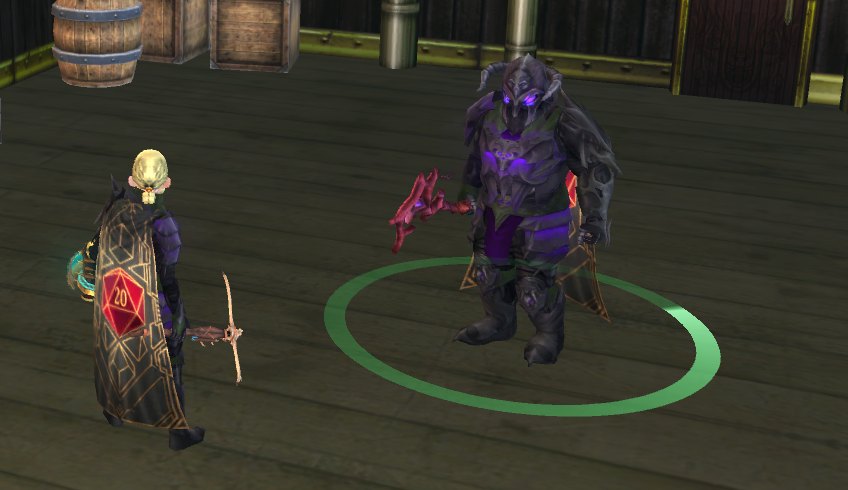
Awesome AutoFollow
Run a party of your own characters: followers chase your leader, copy its jumps, mounts, portals and teleports, and hand their loot to you.

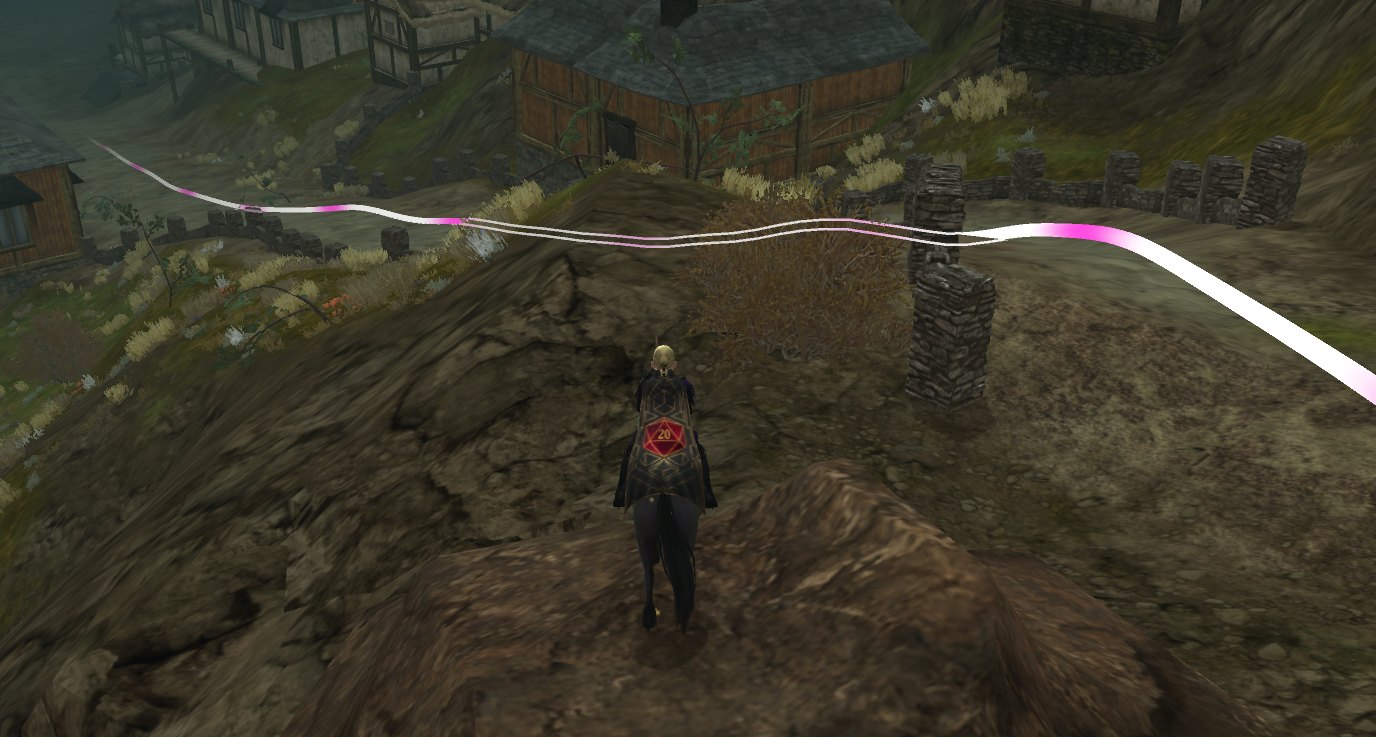
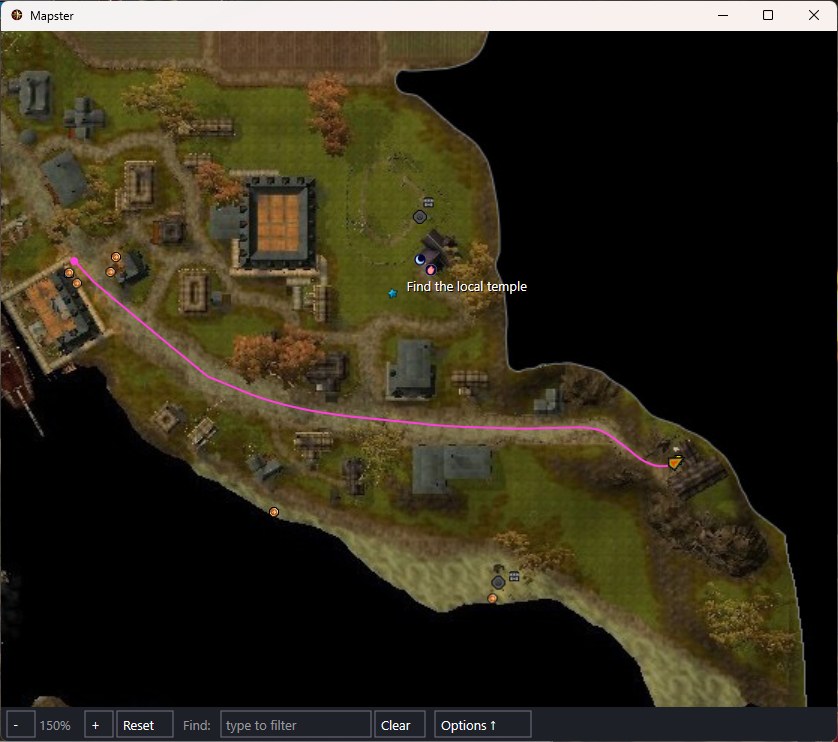
Mapster
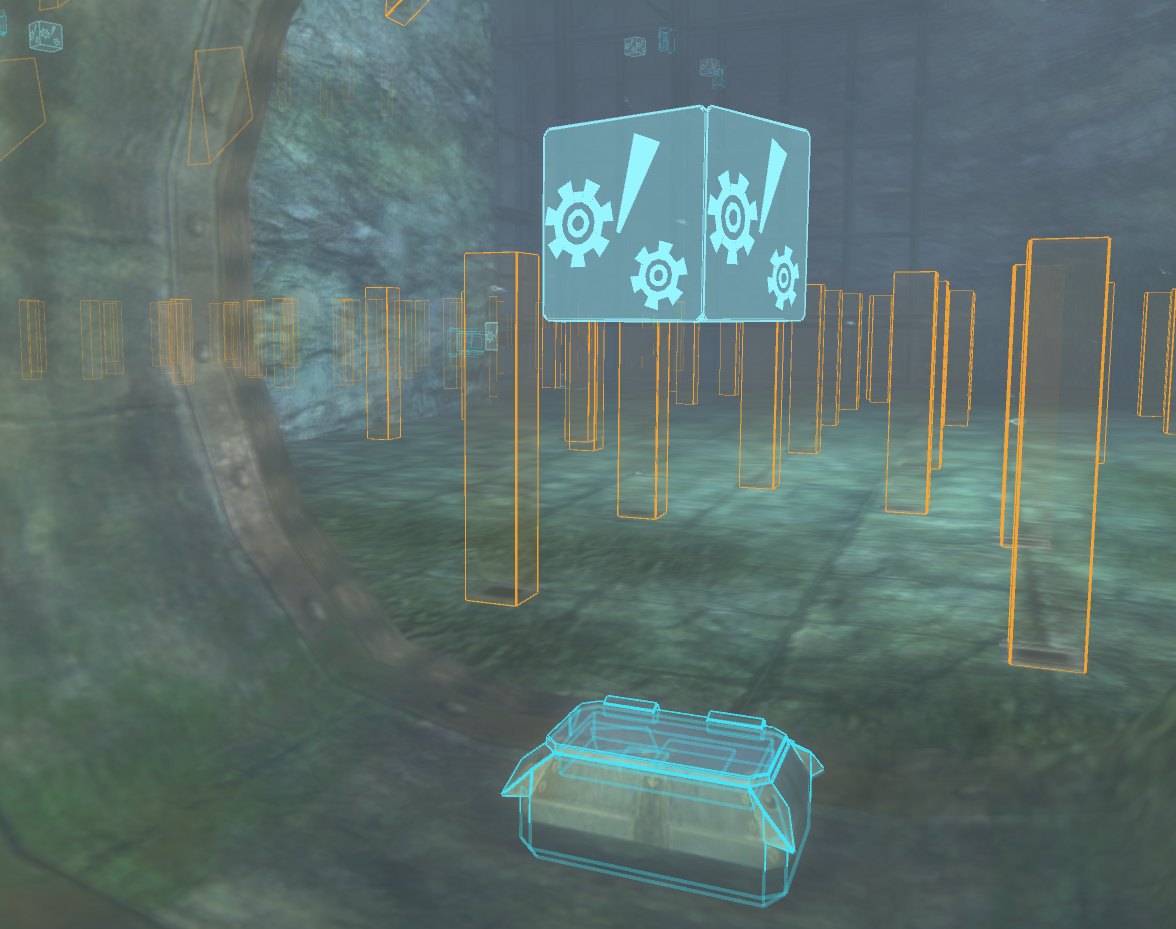
A live, fog-free map of your current area with monsters, bosses, chests, collectibles and your party, plus routes, party trails and trap outlines drawn into the game world.

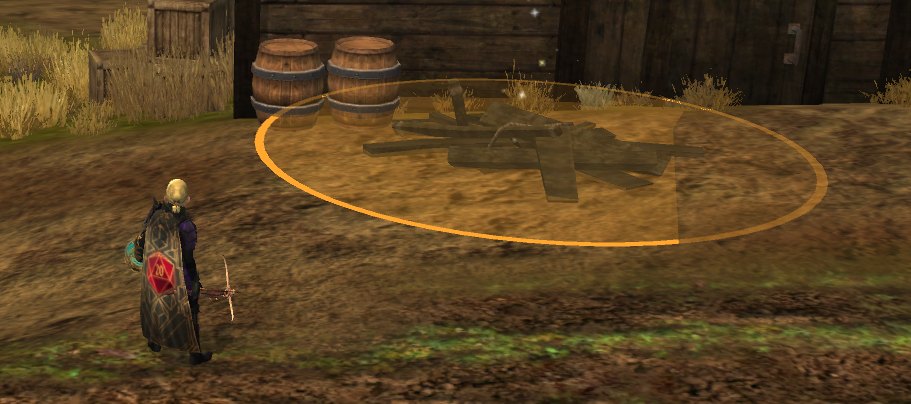
Scooper
Picks up the loot (coins, collectables, tomes, remnants, augments and more) - fully customizable and automatic

Trove
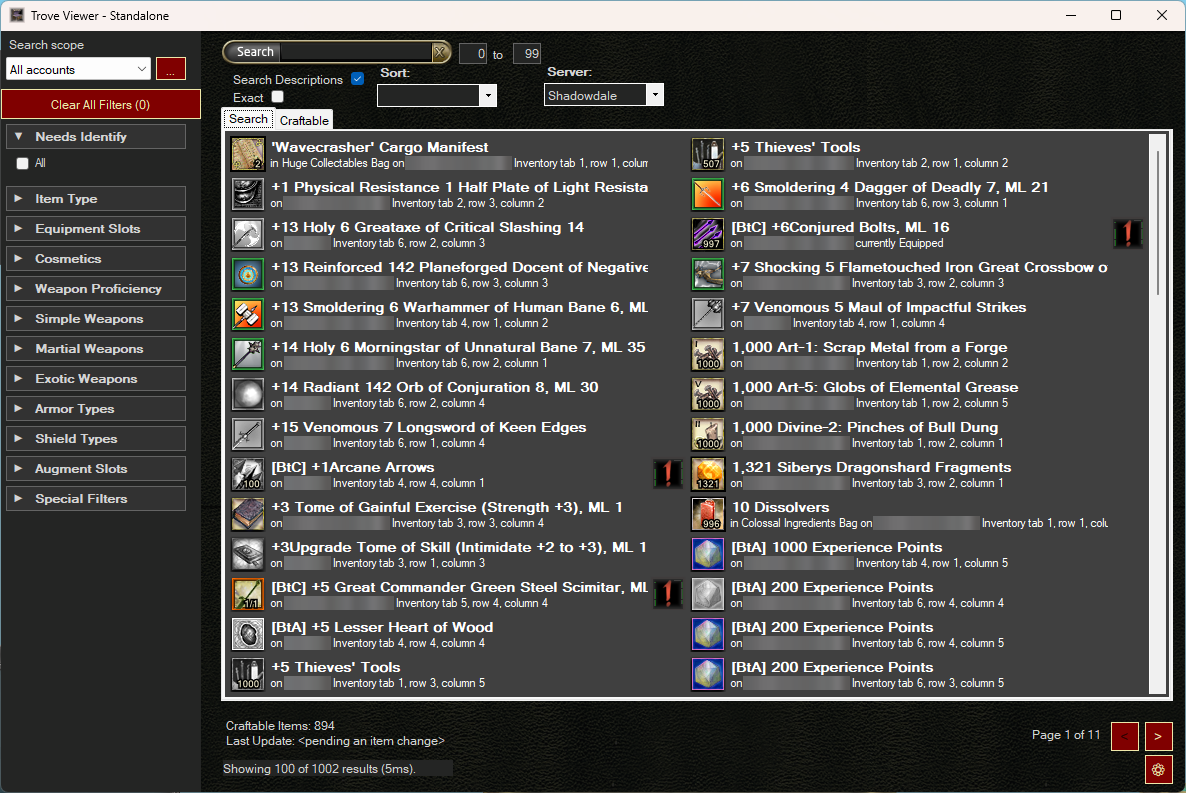
Every item on every character, bank and shared bank, searchable in one place, even with DDO closed.
More plugins
All plugins →
Aligner
Puts each windowed DDO client back where you left it, at the same position and size, every time it starts.

Fred
Reads your character's build out of the game and turns it into a shareable link, a DDOBuilder file or a forum post, and can walk you through someone else's build level by level.

End Reward
Picks your quest end reward for you from a per-character priority list, and beeps to hand you the choice when it matters.

Collector
Contributes what you see in dungeons (chests, rares, traps, explorer points and more) to the community map data behind Mapster and DDO Nexus.

Reload
Keeps your quiver full, your stances, toggles and auras switched on, and your chosen gear equipped.

Cantrippy
Casts the right cantrip at your target on one hotkey, skipping elements the monster is immune to or healed by.

LGS
The Legendary Green Steel planner: creation paths for every Legendary Green Steel weapon and item.

Windshield
Closes pop-up UI windows automatically to keep follower screens clear. A niche tool for multi-boxers.
Glamour Shots
Exports your character-creation appearance options.
Unlocked
Shows what content your account owns, and what you'd gain or lose with VIP.
How it works
- Install the app. Run the Dungeon Helper installer. The app keeps Dungeon Helper and your plugins up to date.
- Connect it to DDO. In the app’s Installation section, press Deploy for each DDO install. The app finds your installs for you.
- Toggle plugins on. Start DDO, press the backtick key (
`) to open Dungeon Helper’s settings, and flip the plugins you want on. They appear on the Dungeon Helper toolbar.
Community
Questions, bug reports, or just want to talk DDO? The community is on Discord. Join the Discord
Want to write a plugin for Dungeon Helper? For plugin authors